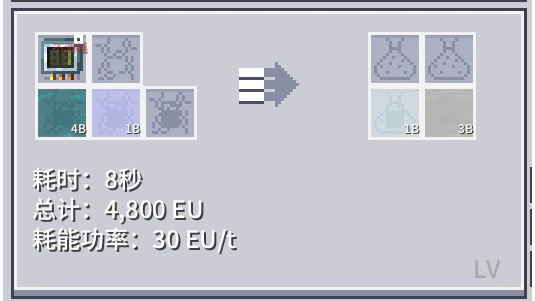
How to Auto-Synthesize Recipes with Programmable Circuits or Molds Using AE and Virtual Items
此页面有 中文 版本
当前正在浏览 English,可一键切换到你的偏好语言 中文。
Introduction
Throughout the GTO workflow, AE's auto-synthesis function is very important and should be completed as early as possible. However, during the process of setting up the auto-synthesis network and filling recipes into the template, I believe many employees will feel confused about one thing: some recipes require specific programming circuits, how should I solve this problem?
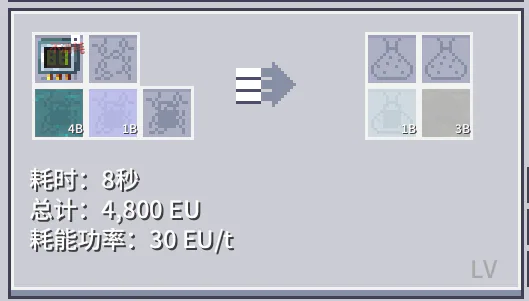
I will provide the corresponding solution below, hoping it can help you.
Step 1: Craft a virtual item supplier and connect it to the AE network
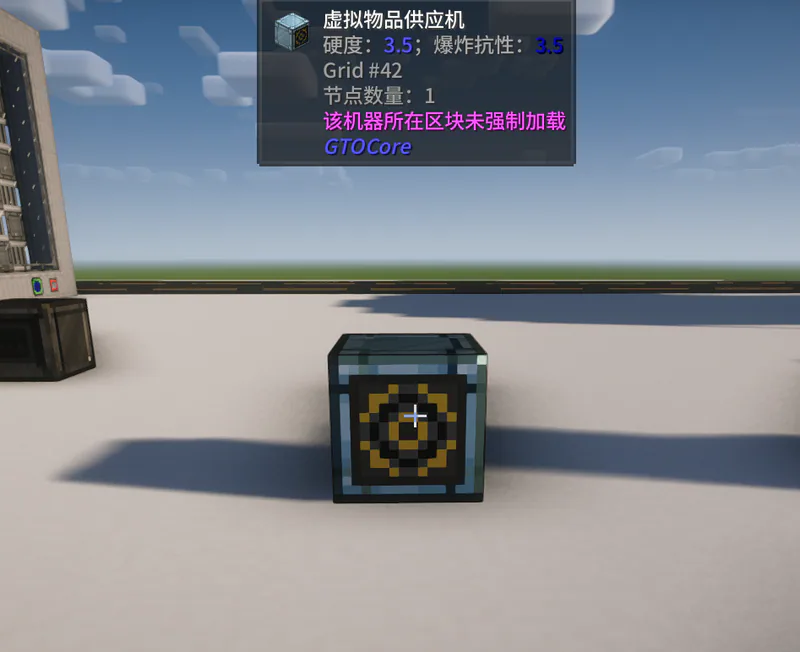
Only the front face of the Virtual Item Supplier can be connected to AE cables. Please ensure that this block is connected to AE as shown below.
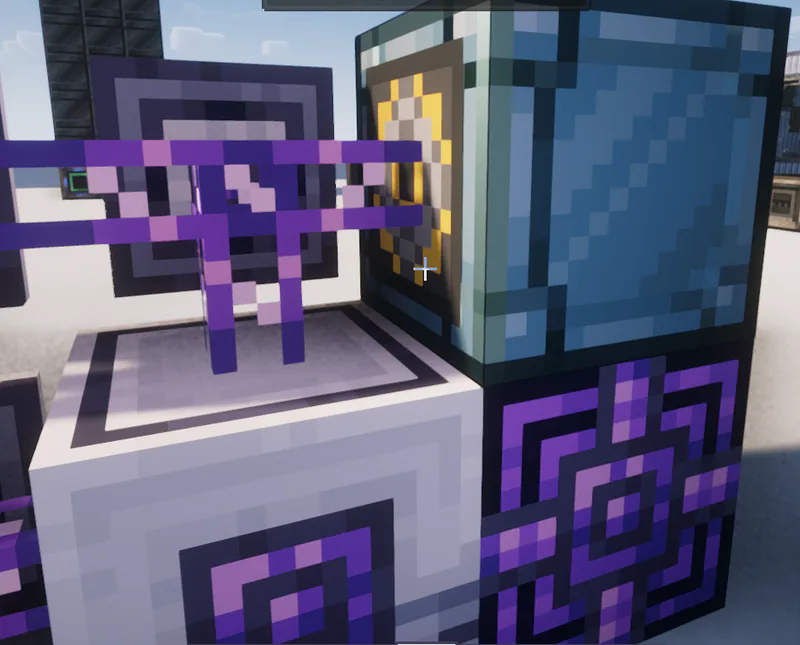
At this point, check the AE terminal. If the Virtual Item Provider appears in the terminal, the connection is successful, please proceed to the next step.
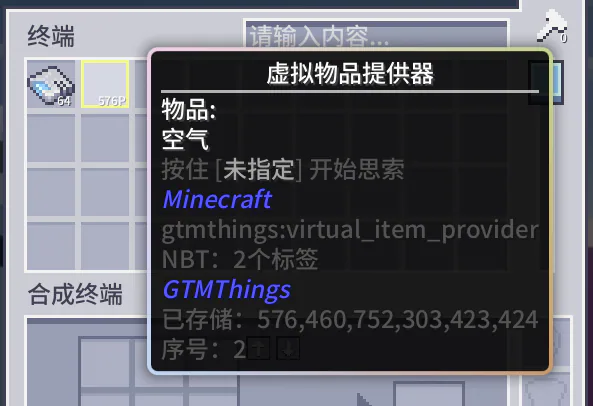
Step 2: Put the non-consumable items in the recipe into the virtual item supplier
Right-click the Virtual Item Dispenser to open its GUI, and you will see the interface shown in the image below.
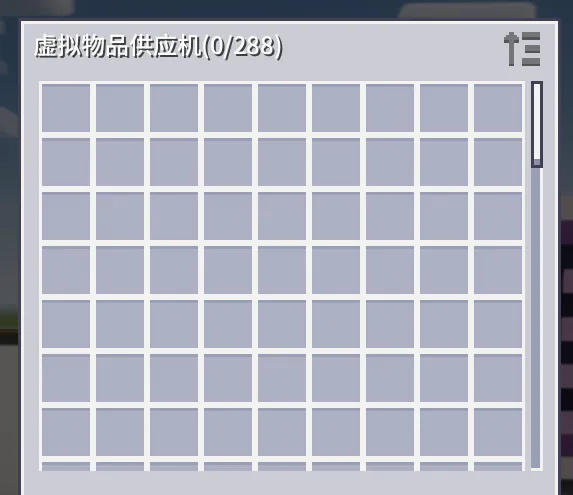
Simply place the programming circuit we need. Taking the vinyl chloride synthesis formula from the introduction as an example, if we need programming circuit No. 1, just put in No. 1.
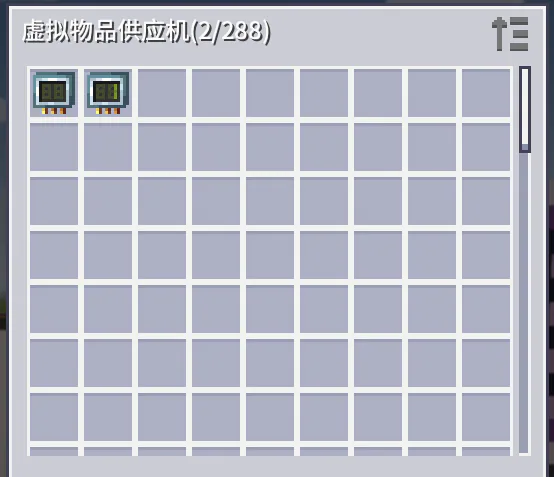
At this point, we can start writing the boilerplate.
Step 3: Write the Template
The only thing to note in this step is that when filling the stencil with the recipe, you need to hold down Ctrl + left mouse button to complete the stencil filling.
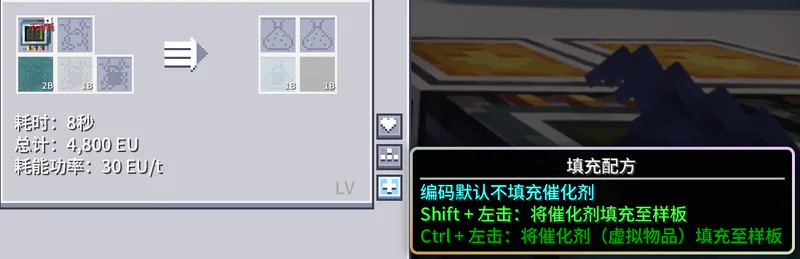
Step 4: Attach the programmable overlay to the corresponding machine
After completing the blueprint and placing it into the corresponding blueprint supplier, you also need to attach a programmable cover plate to the machine running this blueprint. This cover plate can be attached to any side of the machine, and its primary function is to allow the machine to receive virtual items sent by AE. Note that the programmable cover plate only works with single-block small machines. For multi-block machines, replace the input bus/input hatch with a programmable hatch.
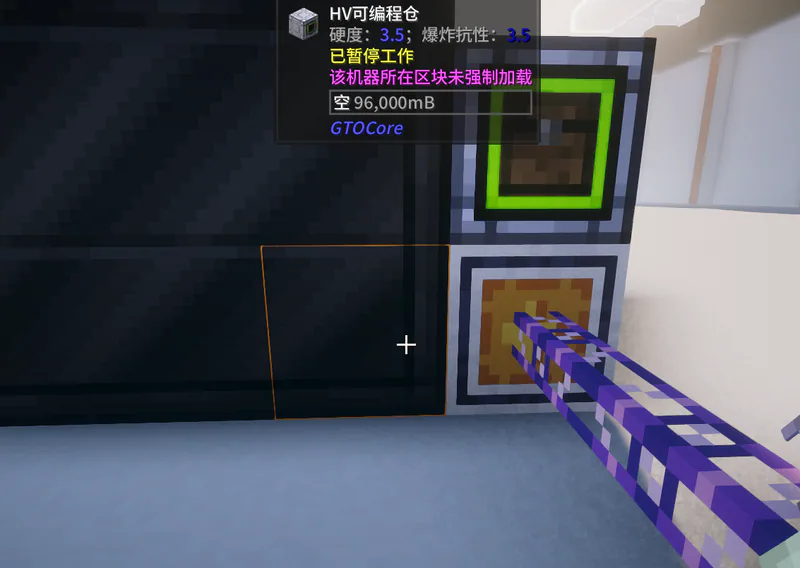
With this, we can successfully complete automatic crafting of similar recipes (don't forget to enable the block mode of the Template Supplier). Finally, there are three points to note: First, this method is applicable not only to recipes that require programmable circuits, but also to the dies, molds, and lenses required by presses, alloy furnaces, and laser etchers, and even items like nickel plates. As long as an item is not consumed in the recipe, most such items can be placed in the Virtual Item Source, and you can refer to the above steps to solve the automatic crafting problem. Second, virtual items themselves cannot be stacked, so when the quantity of non-consumed items in a recipe is greater than 1 (for example, a recipe requiring 16 unconsumed platinum foils), using the Virtual Item Source will not allow crafting. Third, single-block machines and Programmable Chests can only receive one type of virtual item at a time. If you need to provide two non-consumed items for crafting, place one of them in the machine in advance, put the other into the Virtual Item Source, and just follow the steps above.