Large Algae Farm Usage Tutorial
此页面有 中文 版本
当前正在浏览 English,可一键切换到你的偏好语言 中文。
How to Set Up
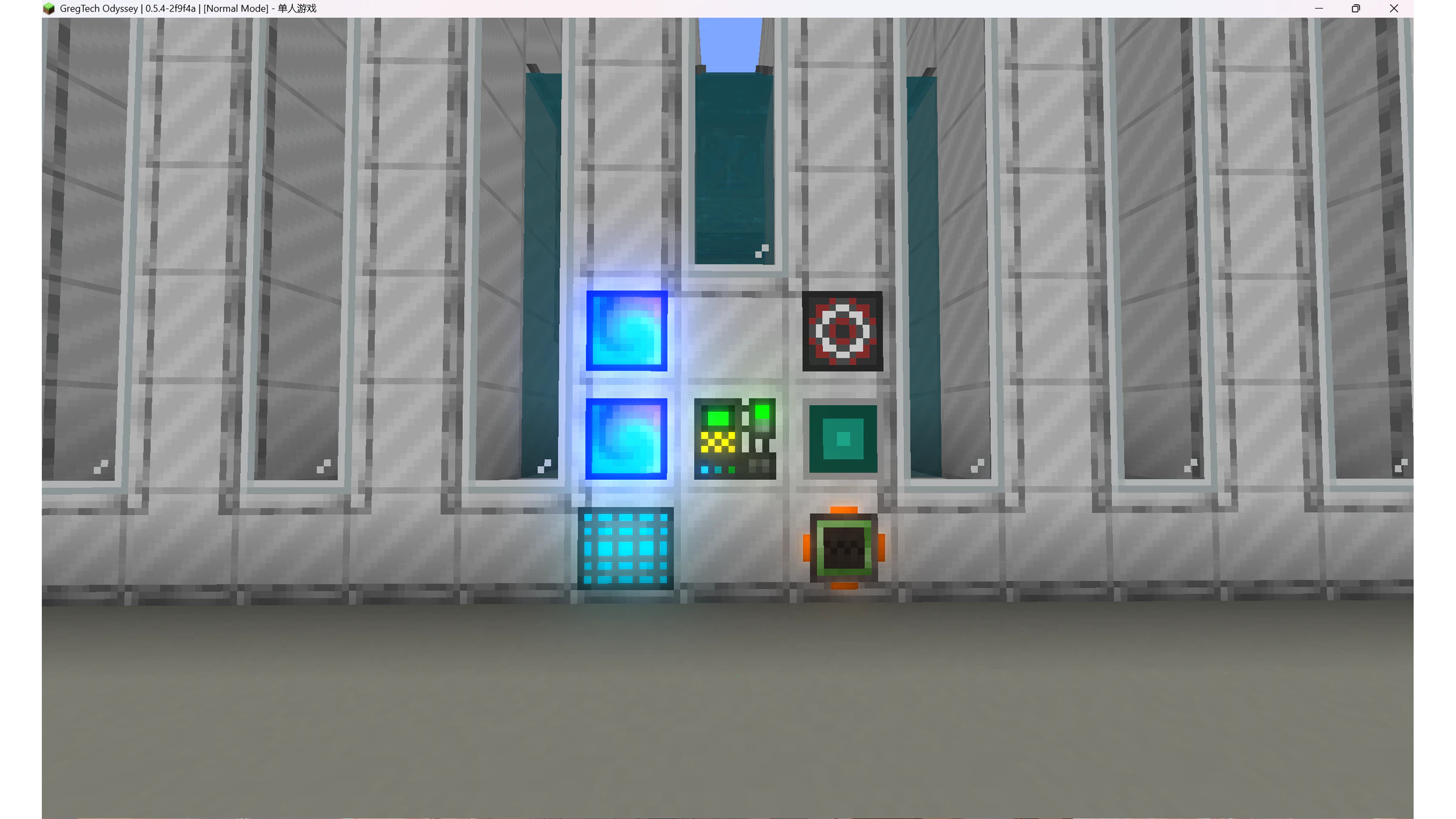
Required Chambers: Energy Chamber, Maintenance Chamber, me Algae Access Chamber
Non-essential Chambers: Input Bus/Chamber, Output Bus/Chamber, Machine Control Chamber
The large algae farm does not rely on output buses to export algae at all, so there's no need to place output buses for it.
Tip: Open the advanced terminal's use AE itemsYou can automatically place water blocks.
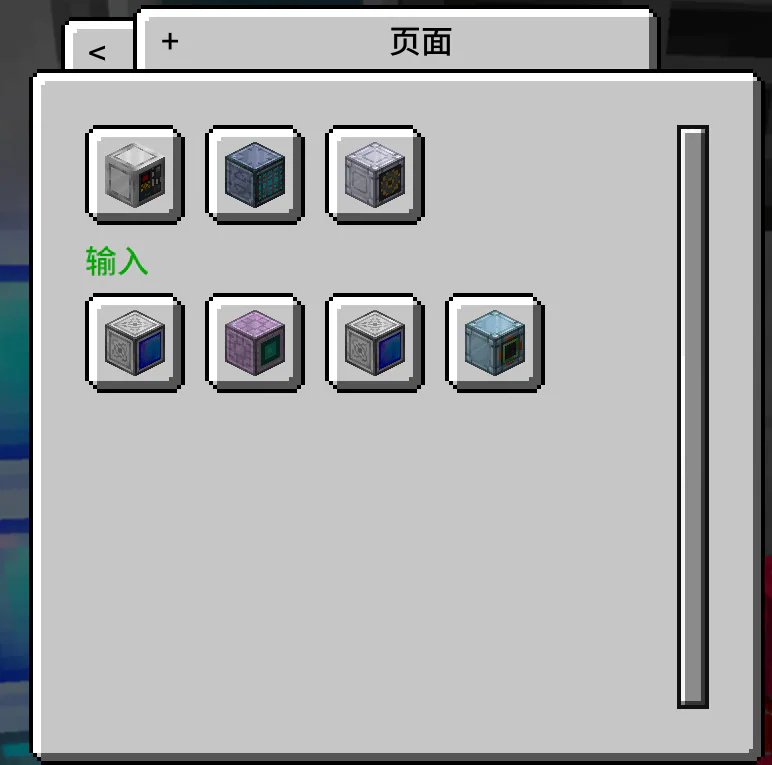
Introduction to the Algae Access Pod Function
The algae access chamber is essentially a bridge between large-scale algae farms and AE.
After connecting AE and raising its priority, newly entering algae in its network will directly enter the large algae farm via the algae access chamber.
The algae stored inside the large algae farm will also be displayed directly in AE via the algae access bin.
You cannot directly input algae into the interior of the large algae farm via the input bus!!!
How to Start
1. Use an ME Input Bus to mark at least 5 kB of biomass (using tier 10 Ethereal Glass as an example here; each higher tier requires the marked amount to be multiplied by 4)
2. Place 16 halogen lamps of each of the three colors into the input bus (this mechanism is currently broken, and the weight cannot be adjusted anymore)
3. Raise the priority of the algae access chamber, then add 5 species of algae to the network it belongs to, and the algae will begin to multiply until they reach their respective environmental maximum capacities.
At this point, the large algae farm will continuously consume biomass to maintain its internal algae population. As long as you cannot completely remove a certain type of algae in one go, the large algae farm will allow the algae to continue multiplying until the corresponding environmental maximum capacity.
Glass Level Parameters
Glass Name | Glass Level | Biomass Consumption Rate (KB/S) | Maximum Environmental Capacity of Cyanobacteria | Maximum Environmental Capacity of Brown Algae | Maximum Environmental Capacity of Golden Algae Blue | Maximum Environmental Capacity of Green Algae | Maximum Environmental Capacity of Red Algae |
|---|---|---|---|---|---|---|---|
Ender Reinforced Boron Glass | 10 | 1.61 | 371,367 | 282,759 | 223,850 | 393,213 | 332,879 |
Tarran Reinforced Boron Glass | 11 | 6.44 | 1,485,478 | 1,131,045 | 895,410 | 1,572,,859 | 1.331,521 |
Quark Reinforced Boron Glass | 12 | 25.76 | 5,941,919 | 4,524,187 | 3,581,647 | 6,291,444 | 5,326,092 |
Dragon Reinforced Boron Glass | 13 | 103.04 | 23,767,682 | 18,096,754 | 14,326,596 | 25,165,782 | 21,304,373 |
Cosmic Neutron Reinforced Boron Glass | 14 | 412.16 | 95,070,737 | 72,387,025 | 57,306,394 | 100,663,133 | 85,271,500 |
Each time the Glass Level increases by one level, the environmental carrying capacity is multiplied by 4, and the corresponding biomass consumption is also multiplied by 4
How to Maximize Benefits
As noted in the preceding introduction, large algae farms typically only consume biomass without producing additional algae most of the time. This is not only excessively wasteful but also requires you to ensure you do not exhaust a specific algae type with each order, which is quite frustrating. Thus, you will need a solution to address this issue.
The idea of this plan is simple: continuously extract the newly propagated algae at a fixed speed and store them.
Sample Plan
Control output speed by limiting container size
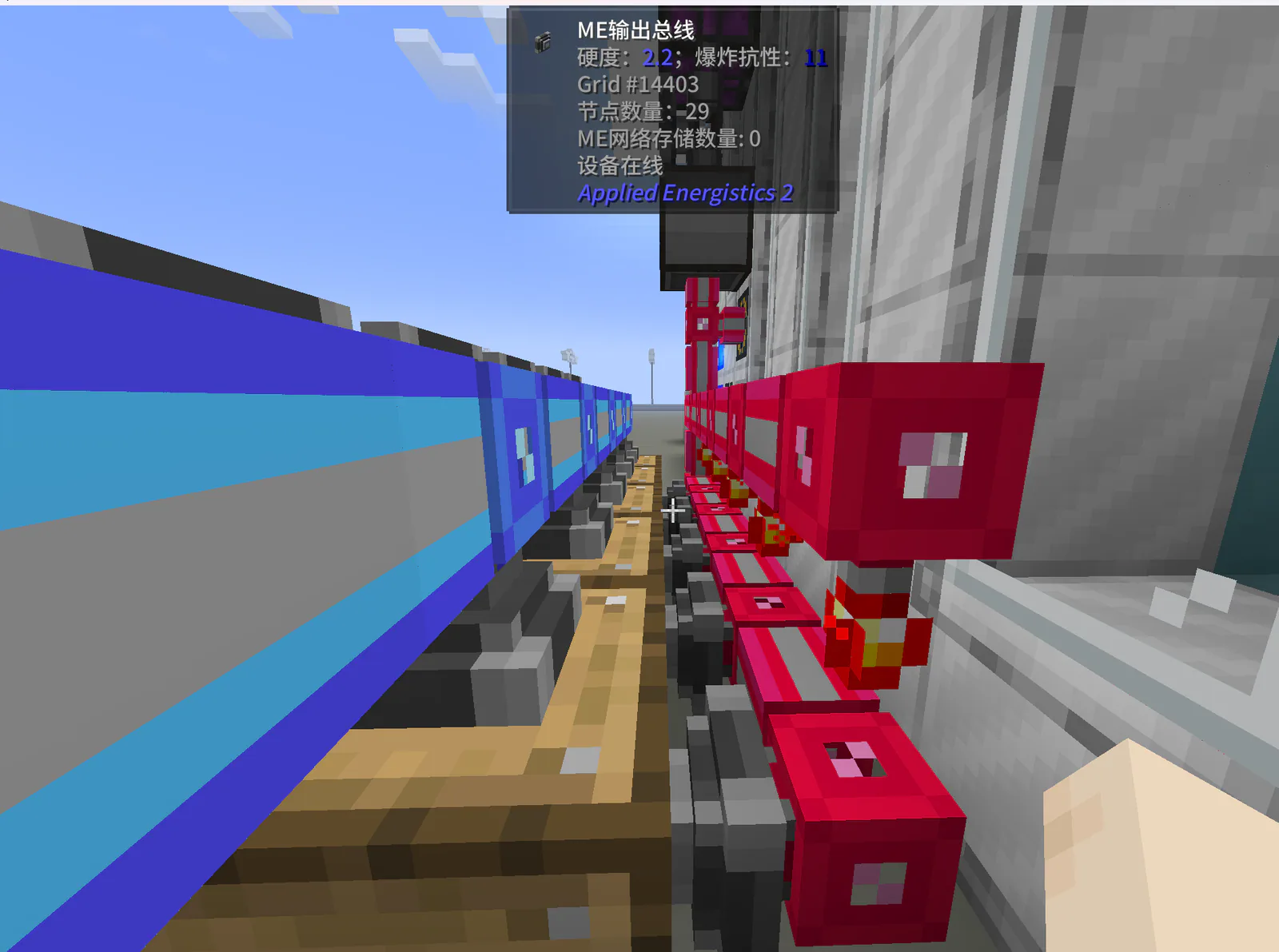
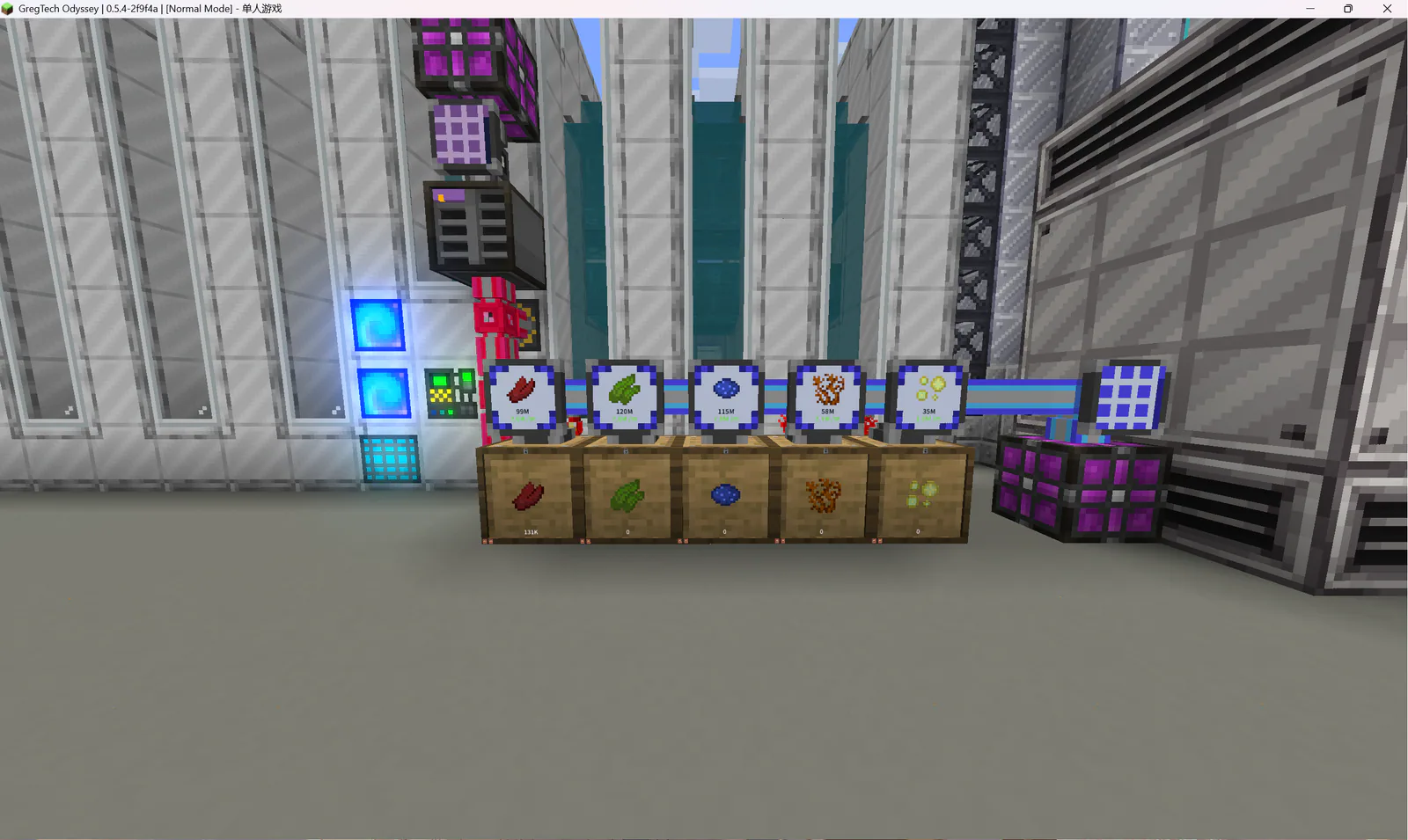
The red cables belong to the subnet where the large algae farm is located, and the blue cables are part of the main network.
Lights up when the transmitter is set to a value greater than (Container Capacity + 1000).
Set the output bus to activate when a redstone signal is present. (Requires a redstone card to be inserted)
Container Capacity Selection: Environmental carrying capacity > 2 × container capacity (Different capacities can be obtained by adding upgrades of different levels to the drawer)
It is not recommended to use glass above Cosmic Neutronite tier, as biomass is consumed too quickly.